

Projects tab
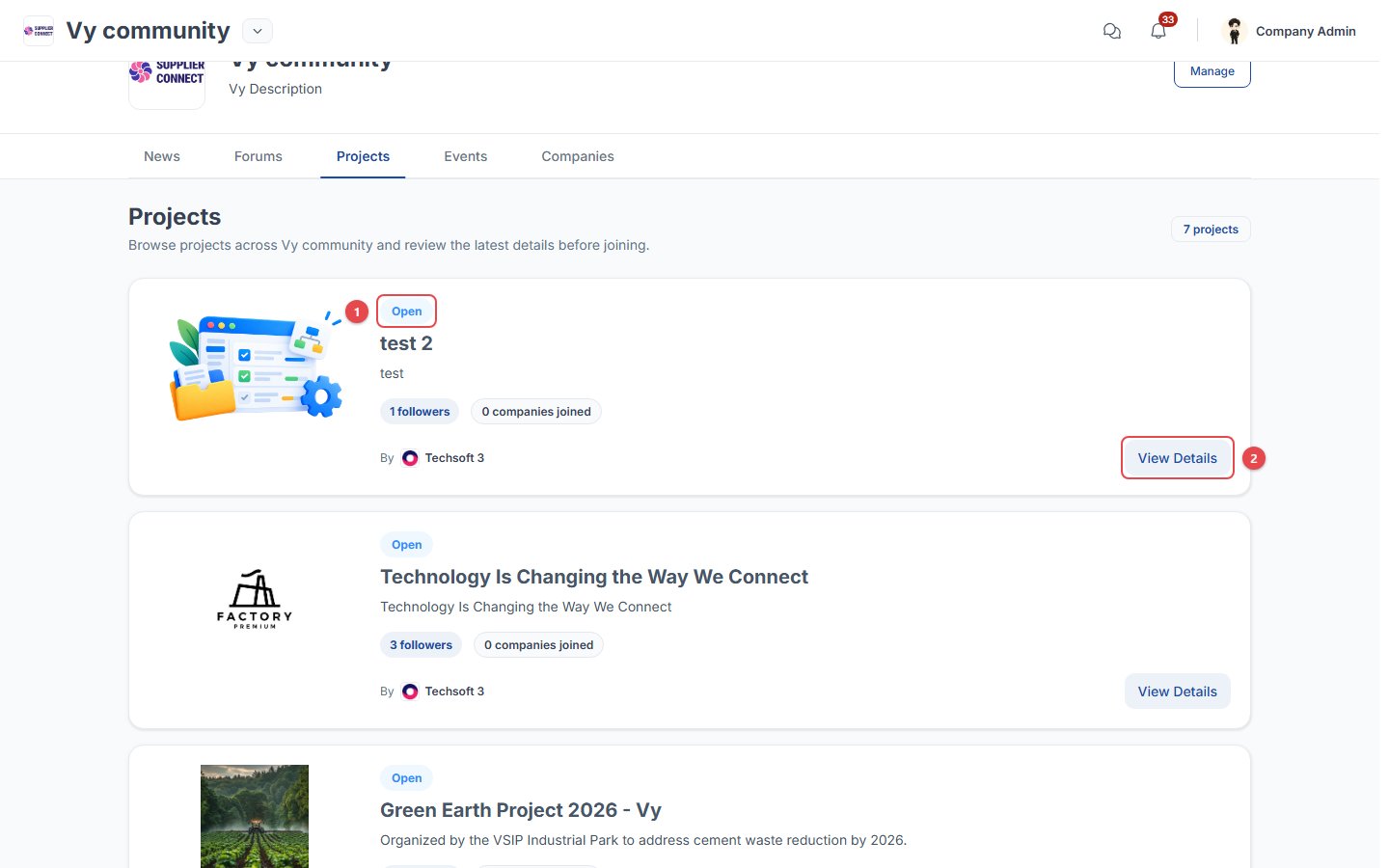
- Status: Open projects can be joined. The other statuses are Active, Completed and Canceled.
- View Details opens the project.
Project page
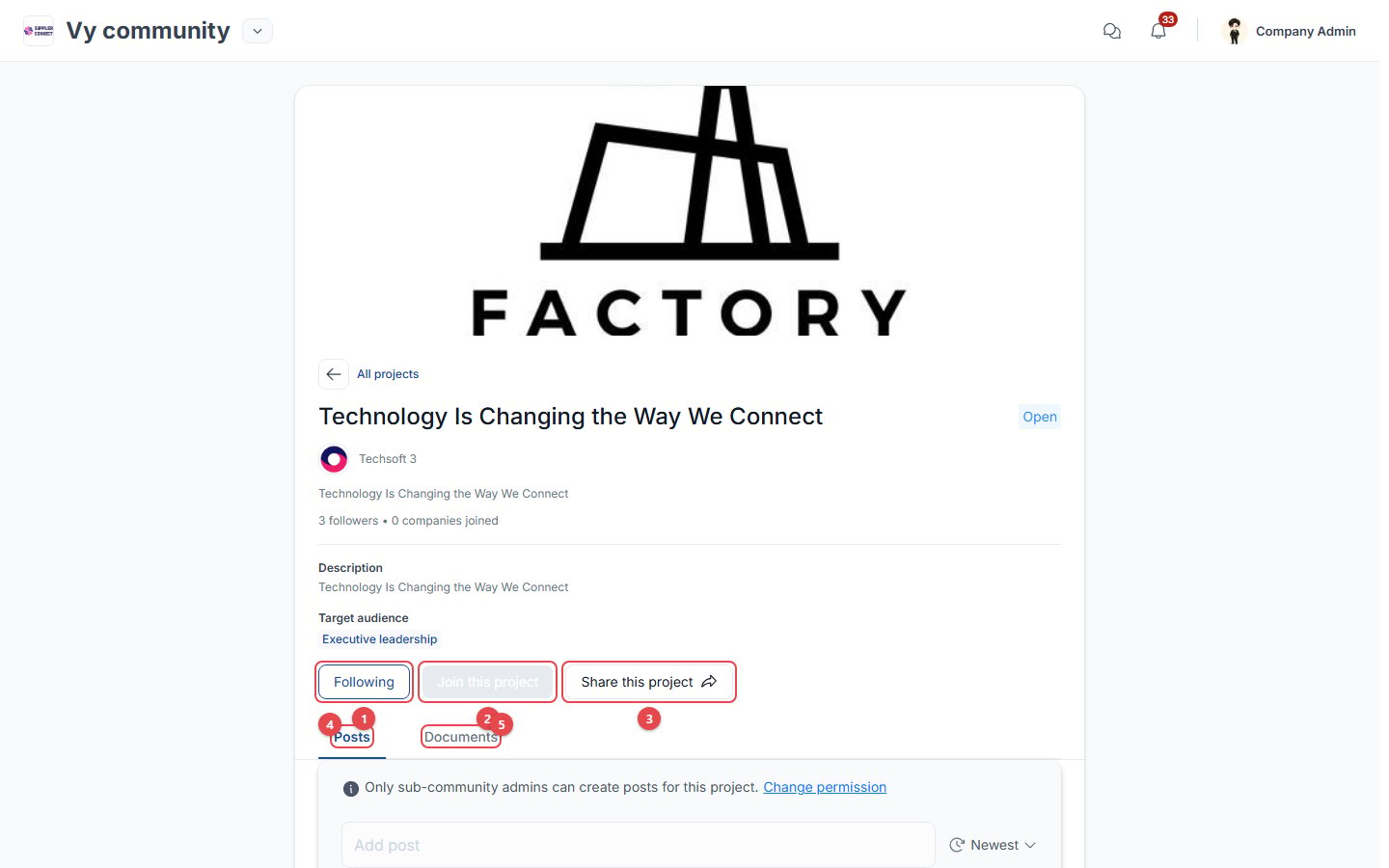
- Follow / Following: get the project’s updates on Home and in notifications.
- Join this project: opens the join form (see the flow below). It is greyed out when your account can’t join this project.
- Share this project.
- Posts: updates from the project managers.
- Documents: project files.